Documentation & Tutorials
Getting Started with Packergo
Complete step-by-step guide to get your warehouse operations running smoothly with Packergo
Step-by-Step Instructions
1
Go to Packergo.com
2
Copy and paste your Shopify store link into the input box
3
Click 'Connect Store' button
4
You will be redirected to Shopify - click 'Install' to connect
5
After installation, the Packergo dashboard appears with a Getting Started Checklist
Pro Tips
- Make sure you're logged into your Shopify admin account before connecting
- Remember to change your temporary password after first login
- All products must have valid SKU codes before importing
- Real-time alerts prevent packing errors before they happen
- Use analytics to identify top performers and optimize workflows
Related Guides
Video Tutorial
7:00Getting Started
Getting Started with Packergo - Complete Guide
7 easy steps to get started with Packergo - from setup to monitoring
Need Help?
Our support team is here to help you.
info@packergo.com
+91 8075146088
Mon-Sat, 9AM-7PM IST
All Tutorial Videos
Visit @Packergo Channel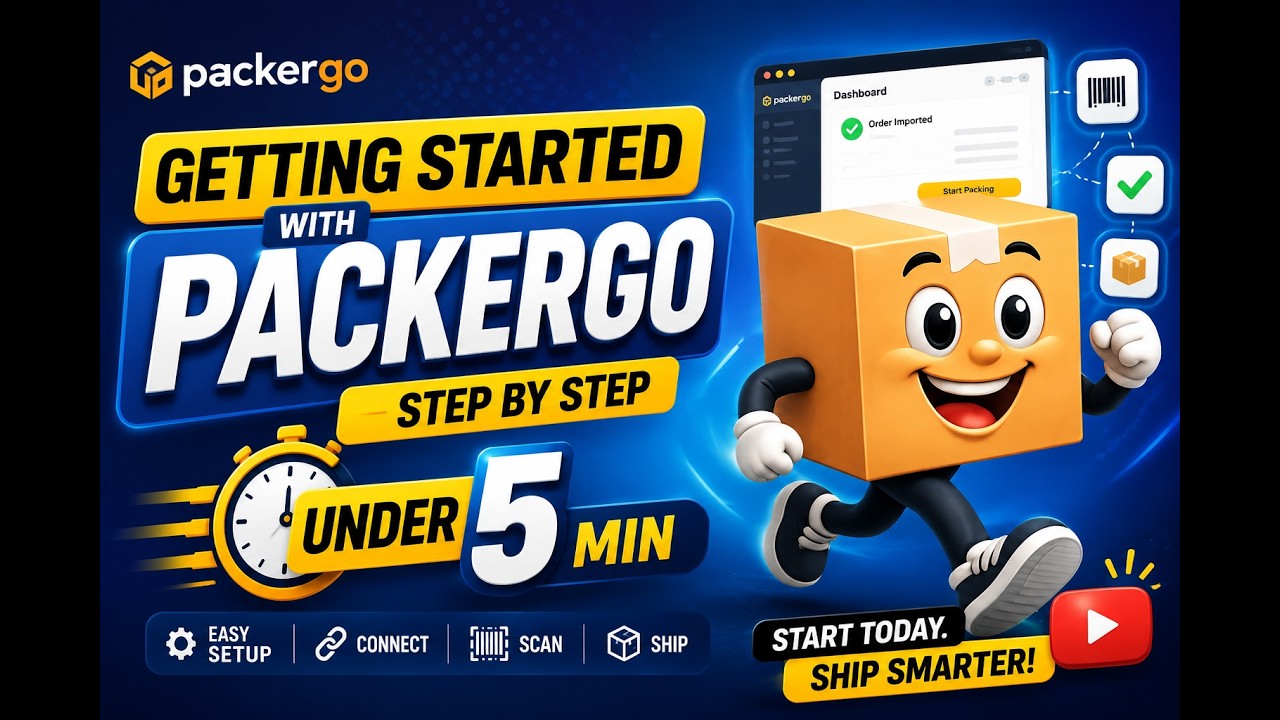
7:00
Now Viewing
7 easy steps to get started with Packergo - from setup to monitoring
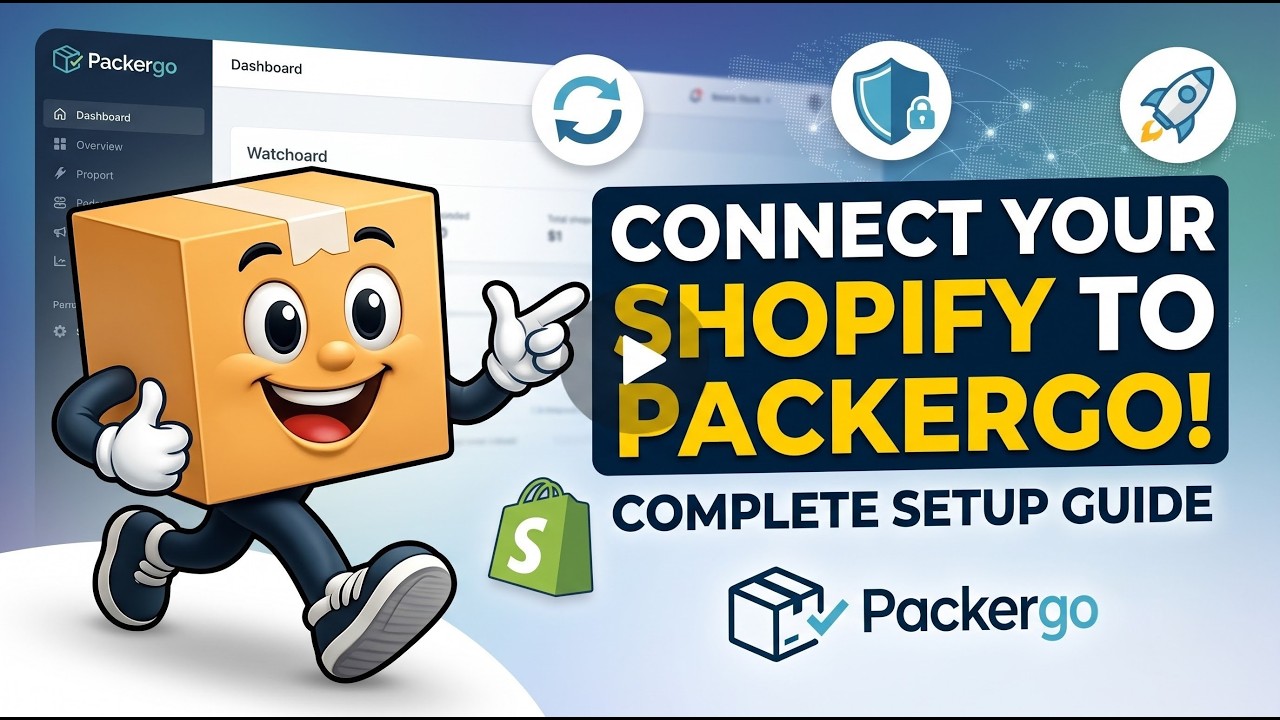
1:15
Complete walkthrough for connecting Shopify and setting up your Packergo account
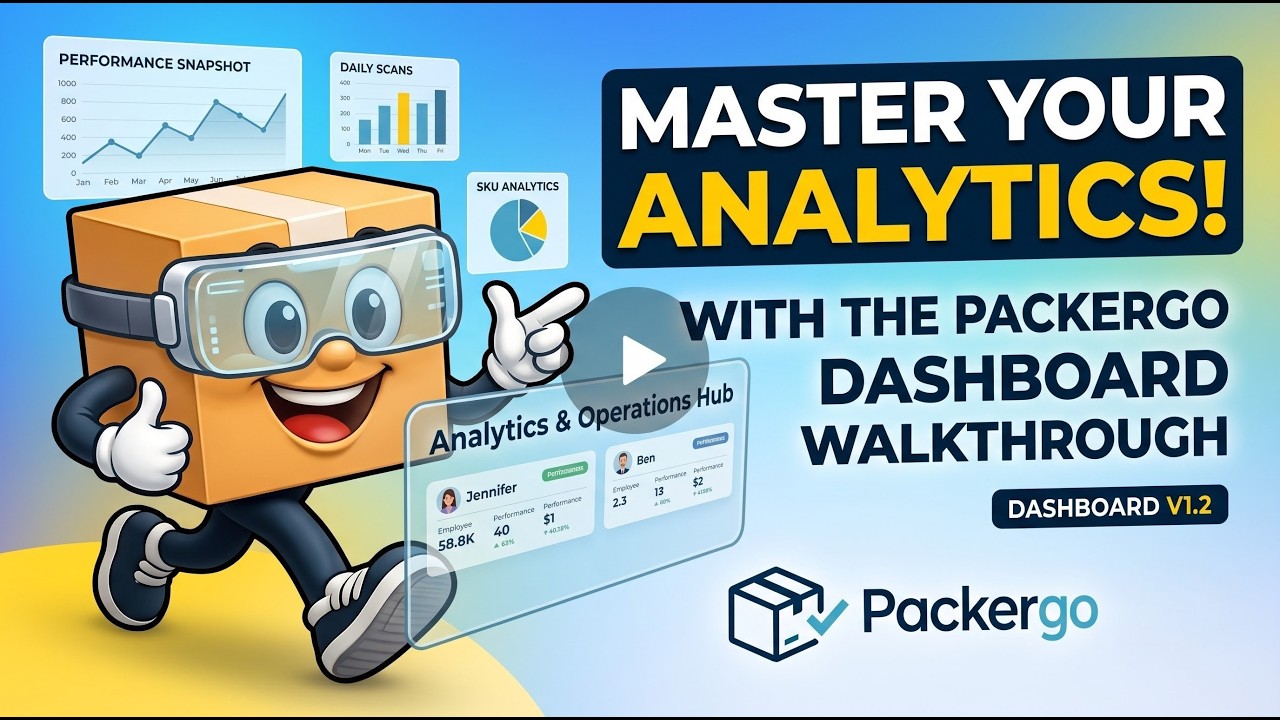
2:52
Comprehensive guide to Packergo's analytics and operational dashboards
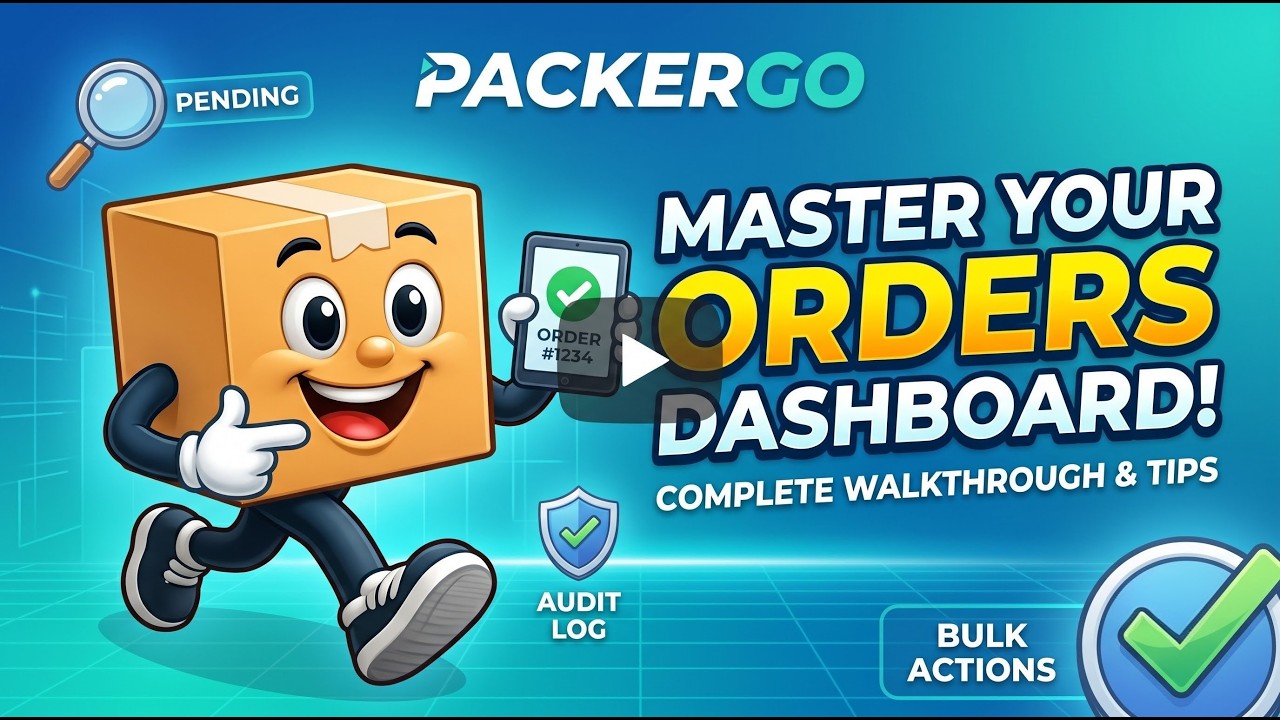
2:30
Complete guide to managing orders in Packergo
1:00
Complete guide to using the Pick & Pack Summary dashboard
2:30
Complete guide to bulk importing SKUs into Packergo
2:05
Complete guide to bulk importing orders into Packergo
3:30
Complete guide to creating manual orders in Packergo
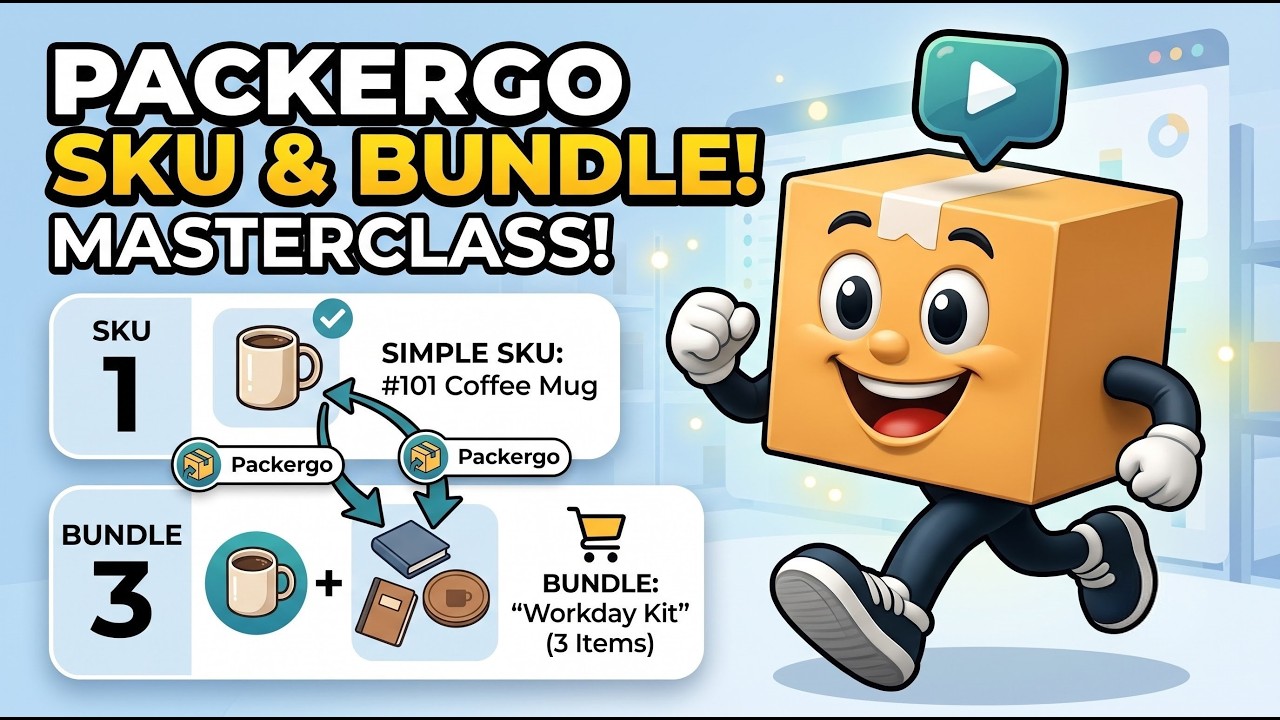
4:00
Complete guide to managing SKUs and creating product bundles
2:55
Complete guide to managing team members and access in Packergo